posted in

Agent IA

Hi Lisa, congratulation on LevelUP- I was cheering live for you. Quick question for extracxt AI or agent AI used in workflows: It says like that on the workflow: AI Agent

Plans and executes tasks autonomously using your instructions and tools.

This is a premium action

Using this action will incur additional charges per execution. My question is, do I have to do somthing or enable something for this to work on a workflow? I keep trying and it does not work and I am nou sure if I need to buy or enable something to use the premiun actions.

posted in

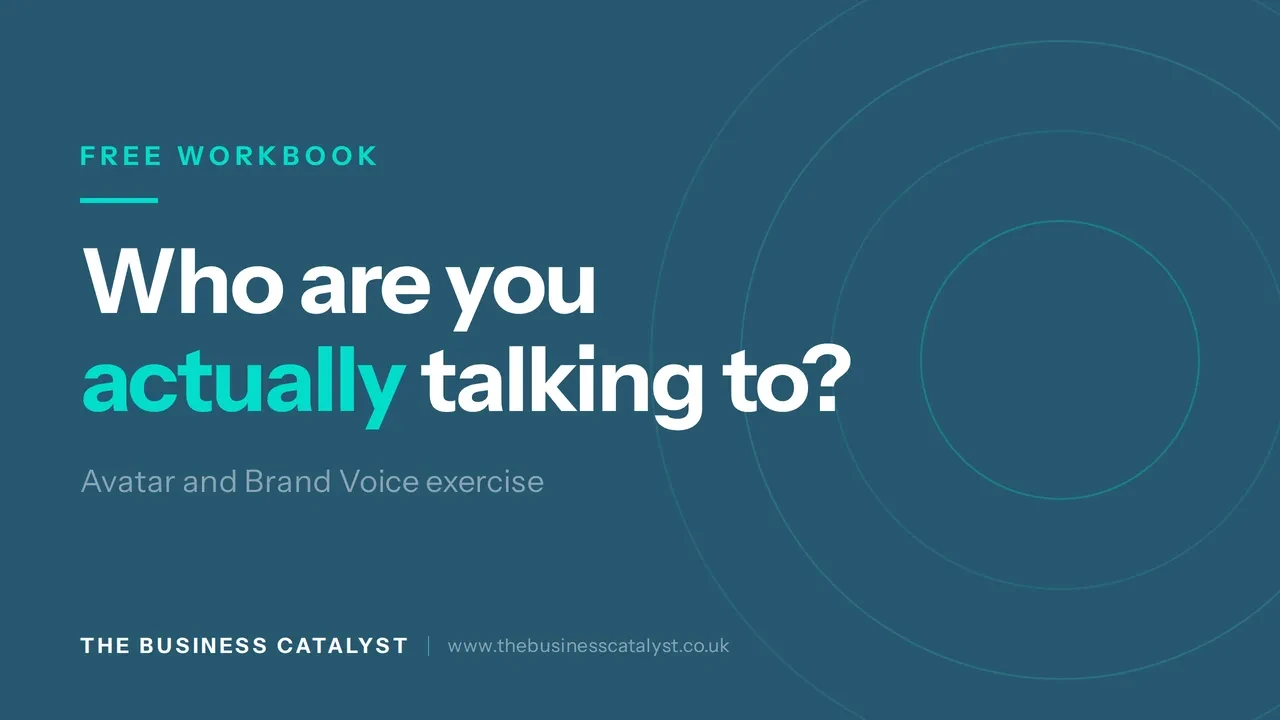
New walkthrough: the Avatar and Brand Voice workbook

I have recorded a short demo of the Avatar and Brand Voice exercise, the first interactive artefact in Architect Your Customer Journey.

It is the lesson I would not let anyone skip. Knowing who you are talking to, and how you sound when you talk to them, decides everything downstream. If the avatar is vague, every email, ad and automation you build afterwards inherits that vagueness.

In the video I fill it in live for a dental practice so you can see the level of specificity it is asking for. Not "adults aged 40 to 55". More like: they want to stop hiding their teeth in photographs, there is a wedding coming up, and they believe they have left it too long to bother.

The workbook gives you an editable summary, a commitment date, a PDF to keep, and a ready to paste AI prompt built from your own answers.

You will find it under the LEARNING tab at the top of the page, in the Avatar and Brand Voice module.


Watch it here:

If you fill it in, post your one line brand explainer below. Happy to give feedback on any of them.

New walkthrough: the Avatar and Brand Voice workbook

posted in

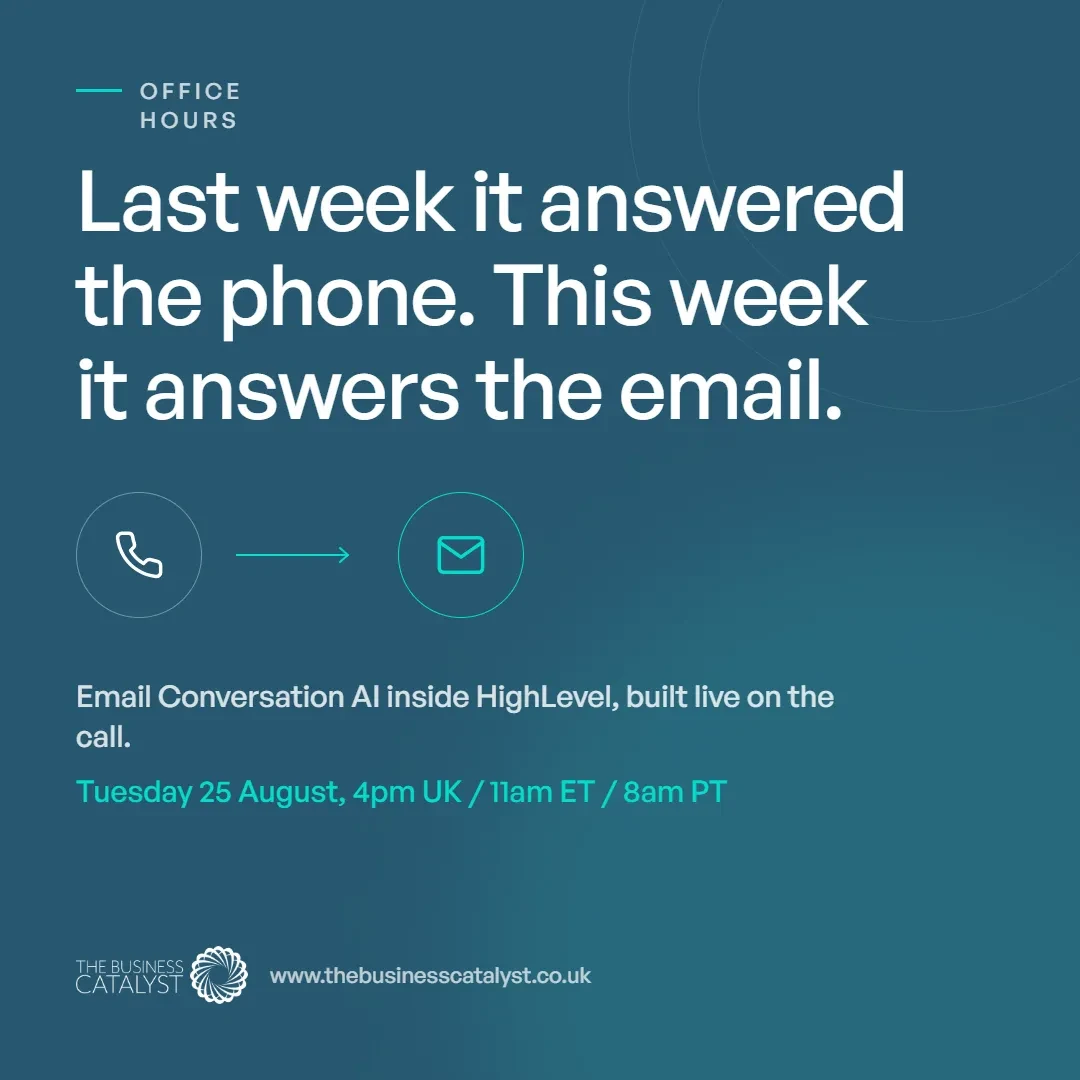
Last week Voice AI, This week ConversationAI on Email

Last Week on Office Hours we built a voice AI agent inside HighLevel from scratch, deployed it, and then rang it live on the call to find out whether it actually held up.

The part most people in the room had not tried is what sits alongside the voice. An agent can hand a caller straight to a human, fire a workflow in the middle of a conversation, book into a calendar, and update contact fields once the call has ended. That is the difference between a bot that answers questions and one that moves work through your business.

The live test ran on a dental practice sandbox. The agent took the call, answered what it was asked, collected the details it needed, booked an appointment into the calendar and sent an SMS confirmation before the call had finished. Useful for anyone whose phone rings more often than it gets answered, and for agencies building this for clients.

The other thing worth sitting with is the guardrails. Telling the agent what it must never do, never quote a price, never diagnose, never guess at a spelling, is what keeps it honest. A knowledge base that is genuinely up to date is what stops it inventing things.

The replay is in the Office Hours channel along with the dental voice AI prompt we used to build the agent. Take it, strip out the dental parts and rebuild it around your own use case. If you were in the room and want to go deeper on anything we touched on, drop it in the thread.

This week we are covering email Conversation AI

Tuesday 25 August at 4pm UK / 11am ET / 8am PT. See you there.

Not in the Office Hours Channel?
http://www.customerjourneyblueprint.com/office-hours

First month is on me use code OFFH1M

Last week Voice AI, This week ConversationAI on Email
Scroll to load more

Back

posted in

Customer Journeys

New walkthrough: the Avatar and Brand Voice workbook

I have recorded a short demo of the Avatar and Brand Voice exercise, the first interactive artefact in Architect Your Customer Journey.

It is the lesson I would not let anyone skip. Knowing who you are talking to, and how you sound when you talk to them, decides everything downstream. If the avatar is vague, every email, ad and automation you build afterwards inherits that vagueness.

In the video I fill it in live for a dental practice so you can see the level of specificity it is asking for. Not "adults aged 40 to 55". More like: they want to stop hiding their teeth in photographs, there is a wedding coming up, and they believe they have left it too long to bother.

The workbook gives you an editable summary, a commitment date, a PDF to keep, and a ready to paste AI prompt built from your own answers.

You will find it under the LEARNING tab at the top of the page, in the Avatar and Brand Voice module.


Watch it here:

If you fill it in, post your one line brand explainer below. Happy to give feedback on any of them.

New walkthrough: the Avatar and Brand Voice workbook